> For the complete documentation index, see [llms.txt](https://guide.plumber.gov.sg/llms.txt). Markdown versions of documentation pages are available by appending `.md` to page URLs; this page is available as [Markdown](https://guide.plumber.gov.sg/user-guides/start-the-workflow/ownself-gather.md).
# Ownself Gather
Ownself Gather (OG) is a lightweight customer relationship management (CRM) tool designed for seamless collaboration and productivity. It helps you digitalise your operations with minimal development effort.
More information about OG can be found [here](https://ownself.gather.gov.sg/).
## New instant workflow
This executes actions in your Plumber Pipe when an instant workflow is triggered from OG.
| Fields | Description | Required? |
| -------------- | ----------------------------------------------------------- | --------- |
| Encryption key | Enter an optional encryption key for your instant workflow. | |
### **Additional set up required on Ownself Gather**
**To enable this integration, complete the following steps on OG:**
1. Create a new instant workflow on OG.
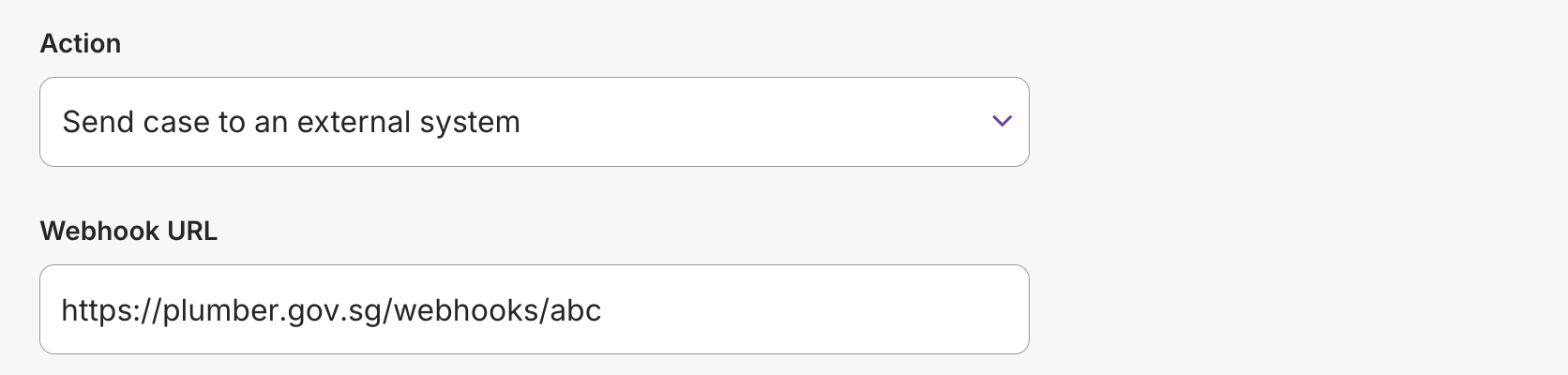
2. Copy the webhook URL from your Plumber Pipe.
3. Paste the webhook URL into the "Webhook URL" field on OG.
4. Enter the encryption key if you have configured one.
## Check step
To receive real data from OG, you will need to perform an action on OG that triggers an instant workflow.
For example, if your instant workflow is configured to run on "Case created", create a new case in OG then return to Plumber and click "Check step" to retrieve the details of the new case.
## Common errors
We couldn't find any data from your last test
This means that no data was received from OG during your last test. Please make sure your instant workflow has been triggered in OG before clicking "Check step" again.
## FAQ
Is there a guide for Ownself Gather?
Yes. You can find the guide [here](https://go.gov.sg/og-user-guide).
Is Ownself Gather free to use?
Yes. Ownself Gather is free to use. You can find more details in the [guide](https://dcubeux.gitbook.io/ownself-gather#is-it-free-to-use).
Who can use Ownself Gather?
Ownself Gather is available to all government officers.
| | How to sign in? |
| --------------------------------------------------------------------------------------------------------------------------------- | ---------------------------------------------------------------------------------------------------------------------------- |
| gov.sg email holders | Sign in directly using your gov.sg email address. |
| Non-gov.sg email holders (TIVO, Agencies without gov.sg emails) | Sign up for an account via Singpass, then request a gov.sg officer to add you to their app. |
How do I log in to Ownself Gather?
Follow the instructions in the [guide](https://dcubeux.gitbook.io/ownself-gather/basic-guide/signup-login).
I cannot find the Ownself Gather option on Plumber
Submit a request using this [form](https://go.gov.sg/plumber-support) and the team will get back to you.